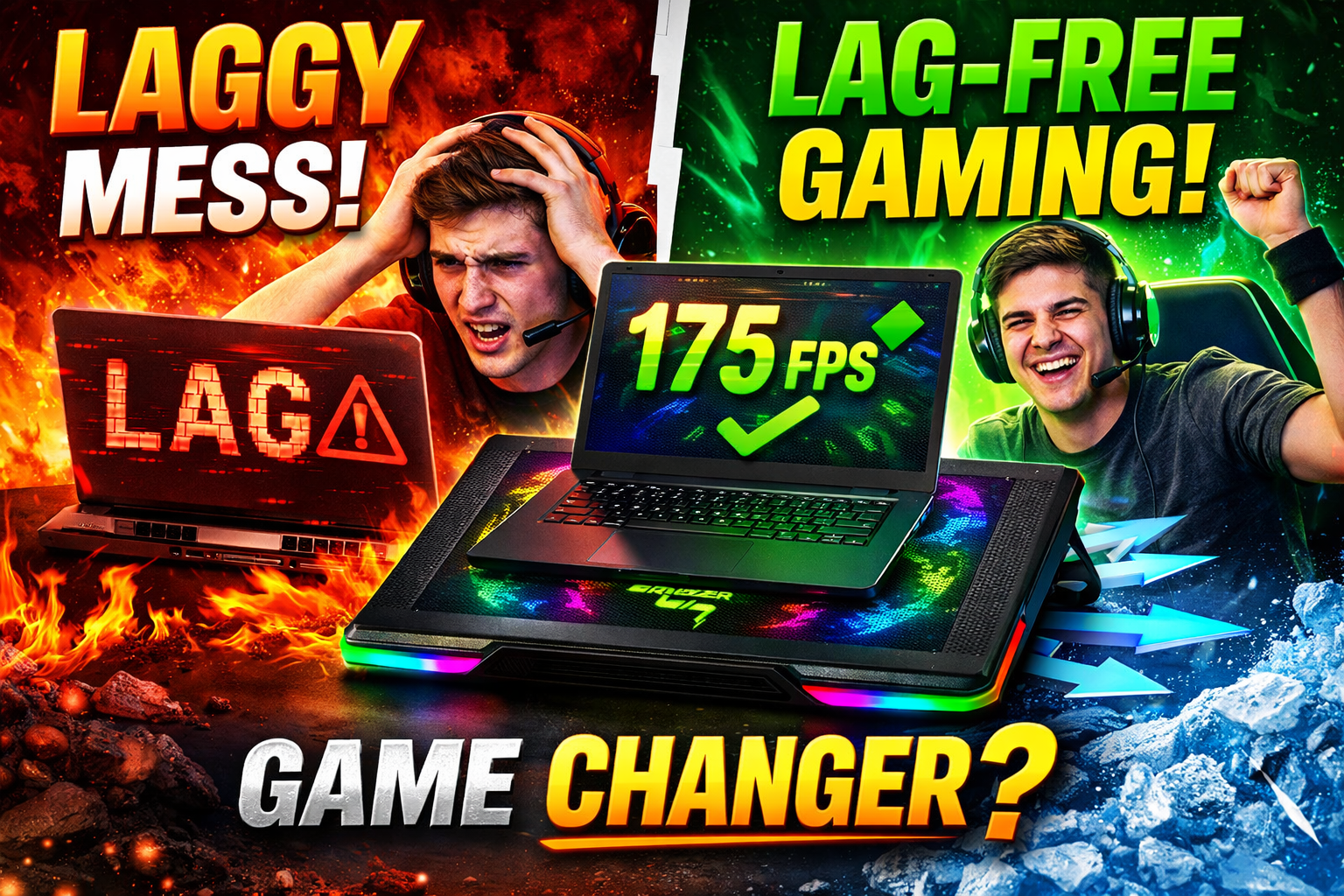
Gaming laptops have become incredibly powerful in recent years. In the United States alone, millions of gamers rely on gaming laptops for competitive esports, streaming, and AAA gaming. However, one frustrating problem still affects even the most expensive laptops:
Overheating.
When a laptop overheats, performance drops, fans become extremely loud, and gameplay can suddenly become laggy. Many gamers experience sudden FPS drops or stuttering in the middle of intense matches.
This is exactly why cooling accessories have become a hot topic in the gaming community. One device that’s getting a lot of attention is the Razer Laptop Cooling Pad.
But is it really a secret weapon for smoother, lag-free gaming, or just another flashy gaming accessory with RGB lights?
Let’s break down the truth and see whether it’s worth your money.
Why Gaming Laptops Overheat So Easily
Gaming laptops pack powerful hardware into a compact design. Unlike desktop PCs that have large cases and multiple fans, laptops must manage heat in a very small space.
Inside a typical gaming laptop you’ll find:
- High-performance CPUs
- Dedicated gaming GPUs
- High refresh-rate displays
- Fast NVMe SSD storage
All these components generate heat during intense workloads.
When you play demanding games like open-world RPGs, competitive shooters, or graphically heavy AAA titles, your laptop’s processor and graphics card start working at maximum capacity.
As the internal temperature rises, the system activates thermal throttling.
Thermal throttling automatically slows down the processor to protect hardware from overheating.
Unfortunately, this leads to:
- Lower FPS
- Random frame drops
- Input lag
- Stuttering gameplay
For competitive gamers, this can be the difference between winning and losing.
What Exactly Is the Razer Laptop Cooling Pad?
The Razer Laptop Cooling Pad is designed to improve airflow and reduce laptop temperatures during heavy workloads.
Unlike basic cooling stands, it uses a high-speed fan system that pushes cool air directly into the laptop’s intake vents.
This active cooling approach helps the laptop maintain stable performance during long gaming sessions.
Key features include:
- High-power cooling fan
- Adjustable fan speeds
- RGB lighting
- USB hub connectivity
- Ergonomic angled design
- Compatibility with most gaming laptops
Many gamers use it as part of their permanent desk setup.
How Cooling Pads Actually Improve Gaming Performance
Many people assume cooling pads only reduce heat slightly. In reality, cooling can directly impact gaming performance.
Here’s why.
When a laptop stays cooler:
- The CPU can maintain higher clock speeds
- The GPU performs more consistently
- The system avoids thermal throttling
That means your laptop can maintain higher and more stable frame rates.
In fast-paced games like competitive shooters or racing games, even small improvements in frame stability can make gameplay feel much smoother.
Cooling pads also help during long gaming sessions. Without proper cooling, performance often drops after 30–60 minutes of gameplay as heat builds up.
Why Gamers in the U.S. Are Using Cooling Pads More Than Ever
Gaming habits in the United States have changed significantly in recent years.
More gamers are now using laptops instead of desktops because laptops offer:
- Portability
- Compact setups
- Flexibility for work and gaming
- Dorm or apartment convenience
However, laptops naturally struggle more with heat compared to desktop PCs.
That’s why accessories like cooling pads are becoming extremely popular among:
- college gamers
- remote workers who game after work
- esports competitors
- streamers
- content creators
Cooling pads help maintain performance without requiring expensive hardware upgrades.
Key Benefits of the Razer Laptop Cooling Pad
1. Reduced Laptop Temperatures
The biggest advantage is obvious: cooler hardware.
Lower temperatures mean:
- less stress on internal components
- longer laptop lifespan
- better sustained performance
Even a small drop in temperature can prevent throttling during intense gameplay.
2. More Stable FPS During Gaming
Competitive gamers care more about consistent frame rates than peak FPS.
Cooling helps maintain stable performance, which results in:
- smoother gameplay
- fewer frame drops
- improved responsiveness
This is especially important in fast competitive games.
3. Better Comfort for Long Gaming Sessions
Hot laptops can become uncomfortable during long gaming sessions.
A cooling pad keeps the laptop cooler and lifts it slightly, improving airflow and comfort.
The angled design can also improve posture and typing ergonomics.
4. Extra USB Ports
Many gaming laptops have limited ports.
Cooling pads with USB hubs provide extra connectivity for:
- gaming mice
- keyboards
- controllers
- webcams
- streaming equipment
This is extremely useful for streamers and creators.
5. Improved Airflow Design
Gaming laptops rely heavily on bottom intake vents.
Cooling pads push cool air directly into these vents, helping the internal fans operate more efficiently.
Better airflow equals better cooling.
When a Cooling Pad Makes the Biggest Difference
Cooling pads work best when your laptop is under heavy load.
For example:
- playing modern AAA games
- video editing or rendering
- streaming gameplay
- running multiple apps while gaming
In these scenarios, improved airflow can noticeably stabilize performance.
However, for light tasks like browsing or watching videos, cooling pads don’t make a major difference.
Situations Where Cooling Pads May Not Help Much
Cooling pads are not magic solutions.
They may provide limited benefit if:
- your laptop already has excellent cooling
- your laptop doesn’t have bottom air intake vents
- you mainly use the laptop for basic tasks
The design of the laptop plays a big role in how effective cooling pads are.
Tips to Improve Laptop Cooling Even More
If you want the best possible gaming performance, combine a cooling pad with these practices.
Keep vents clean
Dust buildup blocks airflow and traps heat.
Regular cleaning helps maintain proper cooling.
Use your laptop on hard surfaces
Beds, couches, and blankets block airflow.
Always use a desk or table for gaming.
Update system drivers
Graphics driver updates often improve performance and thermal efficiency.
Manage background apps
Closing unnecessary programs reduces CPU load and heat generation.
Is the Razer Laptop Cooling Pad Worth Buying?
For serious gamers, cooling pads can be a smart investment.
If you frequently experience:
- overheating
- performance drops
- loud laptop fans
- FPS instability
a cooling pad may significantly improve your gaming experience.
While it won’t turn a low-end laptop into a high-end gaming machine, it can help your current hardware perform closer to its maximum potential.
Many gamers consider it a low-cost upgrade that protects expensive gaming hardware.
Final Verdict: Secret Weapon or Just Hype?
After examining how cooling affects laptop performance, the answer becomes clear.
The Razer Laptop Cooling Pad isn’t just a flashy accessory.
For gamers who push their laptops to the limit, it can:
- reduce overheating
- stabilize FPS
- improve long gaming sessions
- protect expensive hardware
It won’t magically double your performance, but it can eliminate one of the biggest enemies of gaming laptops: heat.
For U.S. gamers who rely on laptops for competitive gaming, streaming, or content creation, a quality cooling pad can make a noticeable difference.
And in some cases, that difference can be the key to lag-free gameplay.
✅ Bottom line:
If overheating is holding back your gaming performance, a high-quality cooling pad might be one of the simplest upgrades you can make to your setup.