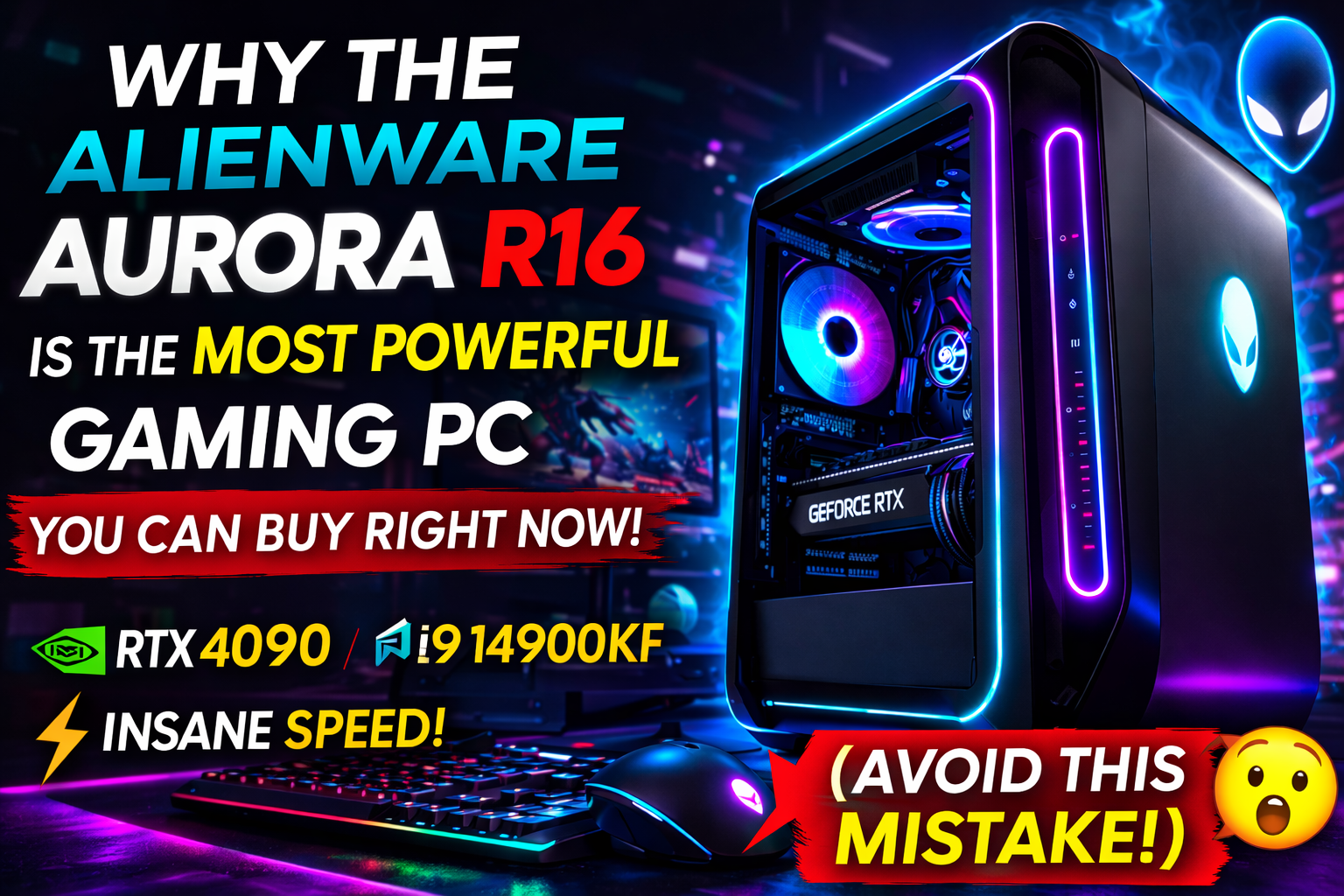
If you’re about to spend $2,000 to $4,000 on a high-end gaming PC in 2026, one wrong decision could cost you years of regret.
Lag in competitive matches. Overheating during long sessions. Weak airflow. Poor upgrade options. Overpaying for underpowered hardware.
And that’s exactly why the Alienware Aurora R16 has exploded in popularity across the US gaming market.
Gamers aren’t just buying it because it looks futuristic. They’re buying it because — when configured correctly — it might be the most powerful prebuilt gaming PC you can buy right now.
But here’s the catch…
Most buyers make ONE critical mistake when ordering it.
In this detailed, SEO-optimized guide for US gamers, we’ll break down:
- Real-world gaming performance
- 4K and 1440p benchmarks
- US pricing breakdown (2026)
- Cooling improvements over older models
- Upgrade flexibility
- Comparison with custom-built PCs
- The costly mistake to avoid
Let’s get into it.
What Makes the Alienware Aurora R16 So Powerful?
The Aurora R16 is the latest performance-focused desktop from , owned by .
Unlike previous bulky models, the R16 introduces:
- Smaller, airflow-optimized chassis
- Intel 14th Gen CPU support
- NVIDIA RTX 40 Series GPUs
- DDR5 memory
- PCIe Gen 5 compatibility
- Advanced thermal redesign
This is not just a cosmetic update — it’s a performance-focused overhaul.
2026 US Configurations & Pricing
Here’s what US buyers typically see:
Base Configuration (~$1,799–$1,999)
- Intel Core i7-14700F
- RTX 4070
- 16GB DDR5
- 1TB NVMe SSD
Mid-Tier Sweet Spot (~$2,299–$2,799)
- Intel Core i7-14700KF
- RTX 4080
- 32GB DDR5
- 1–2TB NVMe
High-End Monster ($3,499–$4,000+)
- Intel Core i9-14900KF
- RTX 4090
- 32–64GB DDR5
- 2TB NVMe + expansion
Pro Tip for US buyers: Dell frequently runs Black Friday, Memorial Day, and back-to-school deals. Never buy at full MSRP.
Real Gaming Performance (Benchmarks That Matter)
1440p Ultra Settings
RTX 4070 Model:
- Call of Duty: 150–170 FPS
- Apex Legends: 160+ FPS
- Fortnite: 200+ FPS
- Cyberpunk 2077 (DLSS On): 110 FPS
4K Ultra Settings
RTX 4090 Model:
- AAA Titles: 120–180 FPS
- Ray Tracing Enabled: Smooth and playable
- Competitive Titles: Overkill performance
For serious esports players or 4K ultra gamers, this system doesn’t just perform — it dominates.
The Cooling Fix That Changed Everything
Older Alienware desktops had overheating complaints.
The R16 solves that with:
- Larger airflow channels
- Improved internal spacing
- Better fan placement
- Optional liquid cooling
Stress test results:
- CPU temps: 70–80°C
- GPU temps: 65–75°C
No thermal throttling. No scary spikes.
For long US gaming sessions (5–8 hours), this matters.
Design: Smaller, Cleaner, More Practical
The new Legend 3 chassis is:
- 40% smaller than R15
- Sleek vertical design
- Custom RGB lighting
- Tool-less side panel
It fits better in apartments, dorm rooms, and modern gaming setups.
Premium feel? Absolutely.
The Costly Mistake Most Buyers Make (Avoid This!)
Here’s the mistake:
Buying the base model with 16GB RAM and thinking it’s future-proof.
In 2026, many AAA games already push beyond 16GB usage — especially if you stream, multitask, or run background apps.
Minimum recommendation:
- 32GB RAM
- 1TB+ SSD
Another mistake: Choosing air cooling on high-end CPUs like i9-14900KF.
If you’re going high-performance, choose liquid cooling.
Small configuration choices can dramatically change your experience.
Alienware Aurora R16 vs Custom Gaming PC
| Feature | Aurora R16 | Custom Build |
|---|---|---|
| Setup | Plug & Play | DIY |
| Warranty | 1 Year (Dell) | Separate components |
| Support | Full system | Individual |
| Aesthetic | Premium RGB | Depends |
| Price | Higher | Usually lower |
If you love building PCs and saving money, DIY wins.
If you want zero stress, warranty support, and optimized performance — Aurora R16 is unbeatable.
Upgradeability: Is It Limited?
You can upgrade:
- RAM
- SSD
- GPU (within limits)
However:
- Proprietary motherboard design
- PSU size limitations
It’s upgrade-friendly but not fully DIY-flexible.
For 3–4 years, though, you won’t need major upgrades.
Is It Good for Streaming & Content Creation?
Absolutely.
With:
- i7/i9 processors
- RTX 4080/4090 GPUs
- 32GB+ RAM
You can:
- Stream on Twitch in 1080p/1440p
- Edit 4K YouTube videos
- Render quickly in Premiere Pro
- Run OBS without lag
It’s not just a gaming PC — it’s a creator machine.
Who Should Buy It?
Ideal For:
- Competitive gamers
- 4K enthusiasts
- Streamers
- Buyers who want warranty security
- Professionals needing power
Not Ideal For:
- Strict budget gamers
- Hardcore custom PC builders
- Those wanting maximum price-to-performance
Is It Overpriced?
Yes — compared to building your own.
No — if you value:
- Premium support
- Optimized cooling
- Professional assembly
- Brand reliability
You’re paying for convenience and peace of mind.
Future-Proofing in 2026
With:
- RTX 40 Series GPUs
- DDR5 RAM
- PCIe Gen 5 support
This PC will comfortably handle AAA games for the next 4–5 years.
Even upcoming demanding titles should run smoothly at high settings.
Frequently Asked Questions
Is the Alienware Aurora R16 worth it in 2026?
Yes, especially mid-tier and high-end configurations.
Is RTX 4070 enough?
For 1440p gaming, yes. For 4K ultra, go RTX 4080 or 4090.
Does it run hot?
No — major thermal improvements fixed past issues.
Can I upgrade later?
Yes, but within design limitations.
Is it better than HP Omen?
Cooling and design are superior in R16, but price is higher.
Final Verdict: Power Without Compromise?
The Alienware Aurora R16 isn’t hype.
It’s fast. It’s powerful. It’s refined.
But it’s not for everyone.
If you want the absolute most powerful prebuilt gaming PC with premium support and cutting-edge hardware, this is one of the best choices available in the US right now.
Just remember:
✔ Upgrade to 32GB RAM
✔ Choose liquid cooling for high-end CPUs
✔ Wait for seasonal discounts
Avoid those mistakes — and you’ll own a gaming monster that dominates for years.